If your business runs advertising through Meta, there’s a good chance your Facebook and Meta accounts are connected to one of the most valuable marketing assets your business has.
Your ad account contains your campaigns, audiences, pixels, payment information, performance data, and years of accumulated marketing history.
It can also contain access to your Facebook Page, Instagram account, business assets, and other people who help manage your advertising.
That makes your Meta account more than just another login… it’s a business asset. And it should be protected like one.
At Pulse Marketing, we’ve seen firsthand how quickly an advertising account can become a problem when the wrong person gains access. Recently, one of our clients has experienced hacking attempts over and over again, which is a good reminder for every business owner running Meta ads: you should know exactly who has access to your account and how that access is protected.
The good news is that you don’t need to be a cybersecurity expert to take some basic precautions. You just need to make account security part of your regular marketing maintenance.
Your Ad Account Is Worth Protecting
When people think about cybersecurity, they tend to think about things like bank accounts, credit cards, or customer databases.
Advertising accounts don’t always get the same attention, but they should.
Imagine someone gaining access to your Meta advertising account.
They may be able to create campaigns, change existing campaigns, access business information, alter account settings, or potentially spend money using your payment method.
Even if you catch the problem quickly, you could still lose valuable time trying to recover the account and determine what happened.
And there’s another cost that’s harder to quantify.
Trust.
If someone compromises an account associated with your business, the consequences can extend beyond the ad platform itself.
That’s why protecting access to your advertising accounts should be treated as part of basic business operations, not something you worry about only after a hack.
Start With Two-Factor Authentication
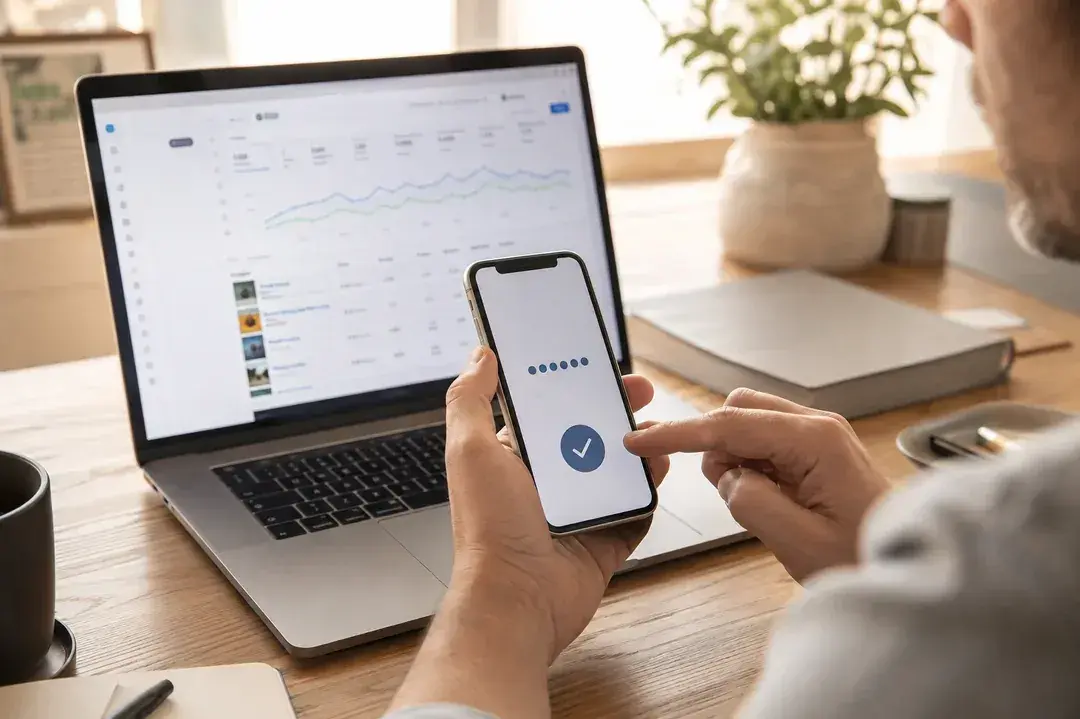
One of the simplest things you can do is turn on two-factor authentication for the Facebook profiles that have access to your Meta business and advertising accounts.
A password is one layer of security. Two-factor authentication adds another.
Depending on the authentication method, logging in may require a code or approval from another device in addition to the password.
That means someone who somehow obtains a password still has another barrier to get through.
And that matters because passwords can be compromised in a variety of ways.
- They can be reused across websites.
- They can be exposed in data breaches.
- They can be guessed.
- They can be stolen through phishing attempts.
Two-factor authentication doesn’t make an account impossible to compromise, but it adds a meaningful layer of protection.
If your business is spending thousands of dollars on advertising, protecting the account that controls that spending should not be optional.
Take a Look at Who Has Access
Here’s a simple question every business owner should be able to answer:
Who has access to our Meta advertising account right now?
Not who should have access but who actually does at this moment.
Over time, access tends to accumulate. An employee needs access, so they’re added. A contractor needs access, so they’re added. An agency starts working with the company, so they’re added.
Someone leaves the company, but their access is never removed. A project ends, but nobody thinks to clean up the permissions.
Eventually, you can end up with a long list of people who have access to a business account without anyone remembering exactly why.
That’s a problem. Your Meta account should not operate like a guest list where nobody ever gets removed.
When Someone Leaves, Their Access Should Leave Too
This is particularly important when an employee or contractor leaves your company. Their Facebook profile may still have access to your business assets even after they stop working with you.
The same applies to outside agencies, freelancers, consultants, and other partners: if someone no longer needs access, remove it.
That doesn’t mean you don’t trust them, it just means their access is no longer necessary.
Those are two very different things.
A good rule is simple: access should be based on need, not history.
If someone needs access to manage your advertising, give them the appropriate access. If they stop needing it, remove it.
Don’t leave old permissions sitting there indefinitely just because nobody has gotten around to cleaning them up.
Don’t Share One Login
Another common mistake is sharing a single Facebook login between multiple people.
It might seem easier. If everyone knows the username and password, and everyone can get into the account.
But it also makes it much harder to know who actually accessed the account and makes it more difficult to remove one person’s access without disrupting everyone else.
Whenever possible, each person should use their own Facebook profile with the appropriate permissions.
That way, access can be granted, reviewed, and removed individually.
You should know who has access to your business because you intentionally gave it to them, not because everyone happens to know the same password.
Change Your Passwords Regularly
Another basic security practice that often gets overlooked: change your passwords.
For business-critical accounts, changing passwords quarterly is a reasonable routine.
That doesn’t mean changing your password to something simple that you’ll always remember. It means using a strong, unique password that you aren’t using anywhere else.
And if you suspect that a password has been compromised, don’t wait for the next quarterly password change. Change it immediately.
Even though it may sound like a pain, the goal here isn’t to make your life more difficult. It’s to reduce the amount of time a compromised credential can remain useful.
Be Careful What You Click
Sometimes the biggest security problem isn’t a sophisticated hack.
It’s a convincing message.
Phishing attempts can look surprisingly legitimate. You may receive an email or message claiming there’s a problem with your advertising account, that your account violates a policy, or that you need to verify your business.
The message may contain branding that looks familiar, or create a sense of urgency.
“Your account will be disabled if you don’t act immediately.”
That false sense of urgency is often the point.
Before clicking a link or entering your login information, slow down.
If something seems suspicious, navigate directly to the platform instead of using the link in the message, and never provide your password or authentication codes to someone who asks for them.
Make Account Security Part of Your Marketing Maintenance
Here’s the part that often gets missed.
Account security shouldn’t be something you think about once and forget.
Just like you review your advertising performance, budgets, creative, and targeting, you should periodically review who has access to the accounts behind those campaigns.
We recommend making it a recurring task.
Every few months, ask:
- Who currently has access to our Meta Business account?
- Does everyone still need that access?
- Are former employees or contractors still listed?
- Are outside partners still actively working with us?
- Does every user have the appropriate level of access?
- Is two-factor authentication enabled?
- When was the last time our passwords were changed?
- Have we noticed any unusual account activity?
- Who ultimately controls our business assets?
These aren’t complicated questions, but asking them regularly can help prevent a much more complicated problem later.
What If You’ve Already Been Hacked?
If you notice suspicious activity, don’t assume it will resolve itself.
Act quickly.
Start by securing the Facebook profiles associated with the account. Change passwords, enable two-factor authentication if it isn’t already active, and review who has access.
Then investigate the business and advertising accounts themselves.
Look for unfamiliar users, campaigns, payment activity, business assets, or other changes you don’t recognize.
If you work with an agency or marketing partner, let them know immediately. They may be able to help identify what changed and what needs to be secured.
And if you believe an account has been compromised, use Meta’s official account recovery and security resources rather than relying on someone who contacts you claiming they can “fix” the account for you.
When you’re dealing with a compromised advertising account, there is no reason to add another unknown party to the situation.
The Bigger Problem: Access Gets Forgotten
The reality is that most business owners aren’t intentionally creating security risks.
They’re running businesses.
People come and go. Agencies change. Contractors finish projects. Employees move into different roles.
Meanwhile, the access they were given six months or two years ago can remain active. That’s the number one way security problems happen, and it doesn’t require anyone to make one obviously bad decision.
A business owner doesn’t wake up and decide, “I’d like twelve former employees to have access to my advertising account.”
It happens one permission at a time.
That’s why regular access reviews matter.
The ultimate goal is to make sure the people who can access your business accounts are the people who actually need to be there.
Your Marketing Accounts Are Part of Your Business Infrastructure
Your website is a business asset. Your CRM is a business asset. Your email database is a business asset.
Your advertising accounts are business assets, too, and they deserve the same level of care.
You don’t have to understand every technical detail behind Meta’s security infrastructure. But you should understand who can access your account, what permissions they have, and how those accounts are protected.
At a minimum:
- Use two-factor authentication.
- Use unique, strong passwords.
- Change passwords regularly.
- Give people only the access they need.
- Remove people when they no longer need access.
- Review your permissions periodically.
- Be suspicious of unexpected login requests and messages.
- Act quickly if you notice something unusual.
These are small steps, and most take only a few minutes.
Recovering a compromised advertising account is not so easy or quick.
How Pulse Approaches Account Access
At Pulse Marketing, we work inside our clients’ advertising and marketing platforms because managing campaigns requires access to the systems behind them.
But access comes with responsibility.
We understand that a client’s Meta account isn’t just another platform we log into. It is part of their business infrastructure.
That’s why account access should be intentional, limited to what’s necessary, and cleaned up when it’s no longer needed.
The same principle applies whether you’re working with Pulse, another agency, an employee, or a freelancer.
Know who has access. Know why they have it. And remove access when they no longer need it.
Our client’s experience with repeated hacking attempts is a good reminder that you don’t want to wait until something happens to start thinking about account security.
Take a few minutes now.
- Check who has access to your Meta account.
- Turn on two-factor authentication.
- Change your password if it’s been a while.
- Remove anyone who doesn’t need to be there.
Your advertising account is too valuable to leave security until later.
Frequently Asked Questions
Why does a Meta ad account need the same protection as a bank account?
Because it is a business asset. It holds your campaigns, audiences, pixels, payment information, performance data, and years of marketing history, and it can carry access to your Facebook Page, Instagram account, and other business assets. Someone who gets in could change campaigns, alter settings, or spend money using your payment method.
How do I find out who currently has access to my Meta ad account?
Review the people listed on your Meta Business account and your ad accounts, and ask who actually needs to be there right now — not who should have access in theory. Access accumulates one permission at a time as employees, contractors, and agencies come and go, so treat this as a periodic review rather than a one-time cleanup.
How often should I change the passwords on my advertising accounts?
Quarterly is a reasonable baseline for business-critical accounts. Use a strong, unique password you aren’t using anywhere else — not something simple you’ll always remember. If you suspect a password has been compromised, change it immediately instead of waiting for the next scheduled change.
Is it okay for my team to share one Facebook login?
No. A shared login makes it much harder to know who actually accessed the account, and it makes removing one person’s access disruptive for everyone else. Whenever possible, each person should use their own Facebook profile with the appropriate permissions so access can be granted, reviewed, and removed individually.
How can I tell if a message about my ad account is a phishing attempt?
Phishing messages often use familiar branding and manufacture urgency — a warning that your account violates a policy or will be disabled unless you act immediately. That false urgency is usually the point. Navigate directly to the platform rather than using the link in the message, and never give your password or authentication codes to someone who asks.
What should I do first if my Meta ad account has been hacked?
Act quickly. Secure the Facebook profiles tied to the account: change passwords, enable two-factor authentication, and review who has access. Then check the business and ad accounts for unfamiliar users, campaigns, payment activity, or changes. Tell your agency, and use Meta’s official recovery resources rather than anyone who offers to fix it for you.